Convert Photos & Videos
Effortlessly convert and export your photos to PNG or JPEG and videos to MP4 with Photo Export. Perfect for photographers, creators, and anyone needing fast, flexible media transfers to a variety of destinations.

Works on iPhone, iPad and Mac.
Photo Export Options
- Photo Format
- PNG
- JPEG
- Photo Size
- Full Size (original)
- Large (1280)
- Medium (640)
- Small (320)
- Custom
- Set Custom dimension limits in Settings
- Adjust JPEG quality with a precision slider
Video Export Options
- MPEG-4 Video Resolution
- Highest Quality
- Highest Quality – HEVC
- Medium
- Low
- Full HD (1080p)
- HD (720p)
- VGA (480p)
- Optimize for Network Use
- All video exports transcoded to universal MP4 format
Save Anywhere
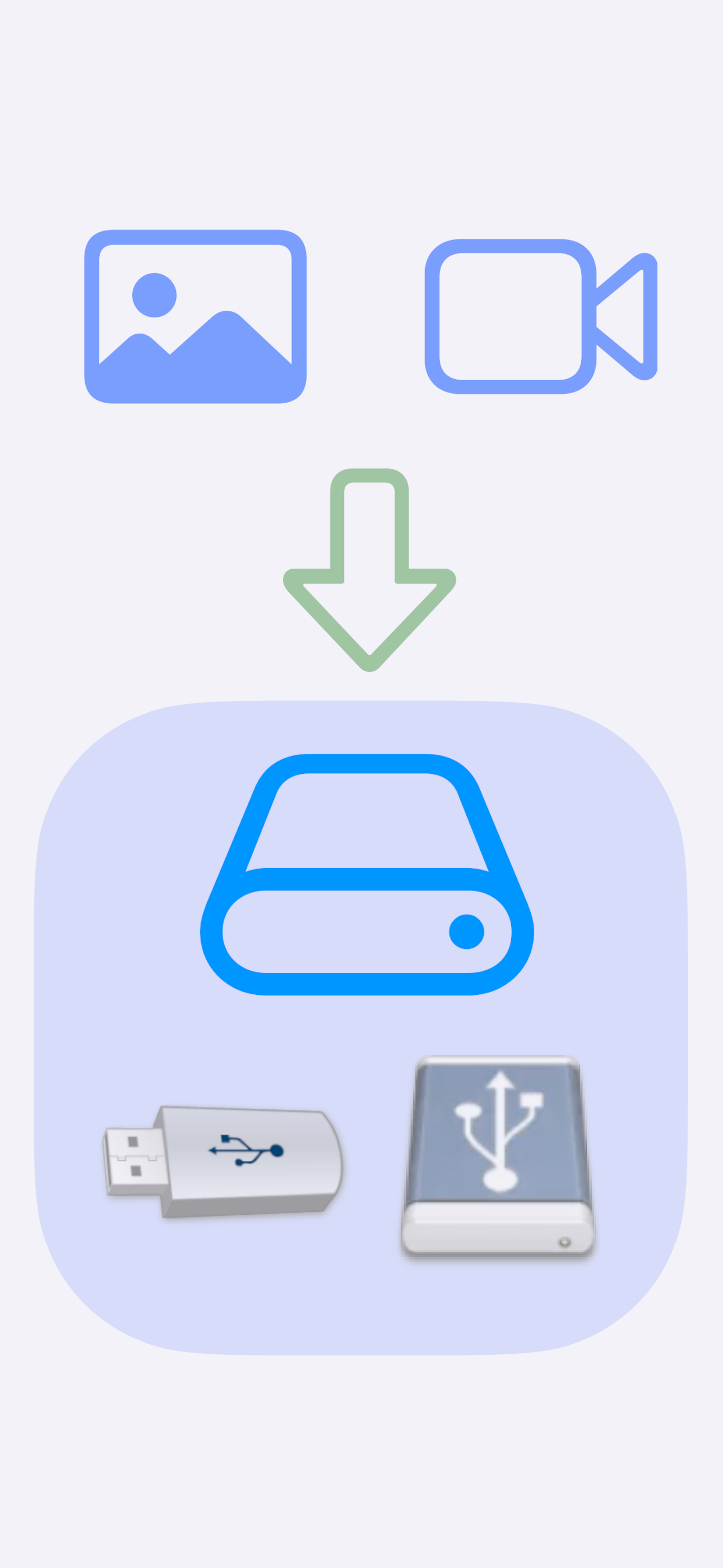
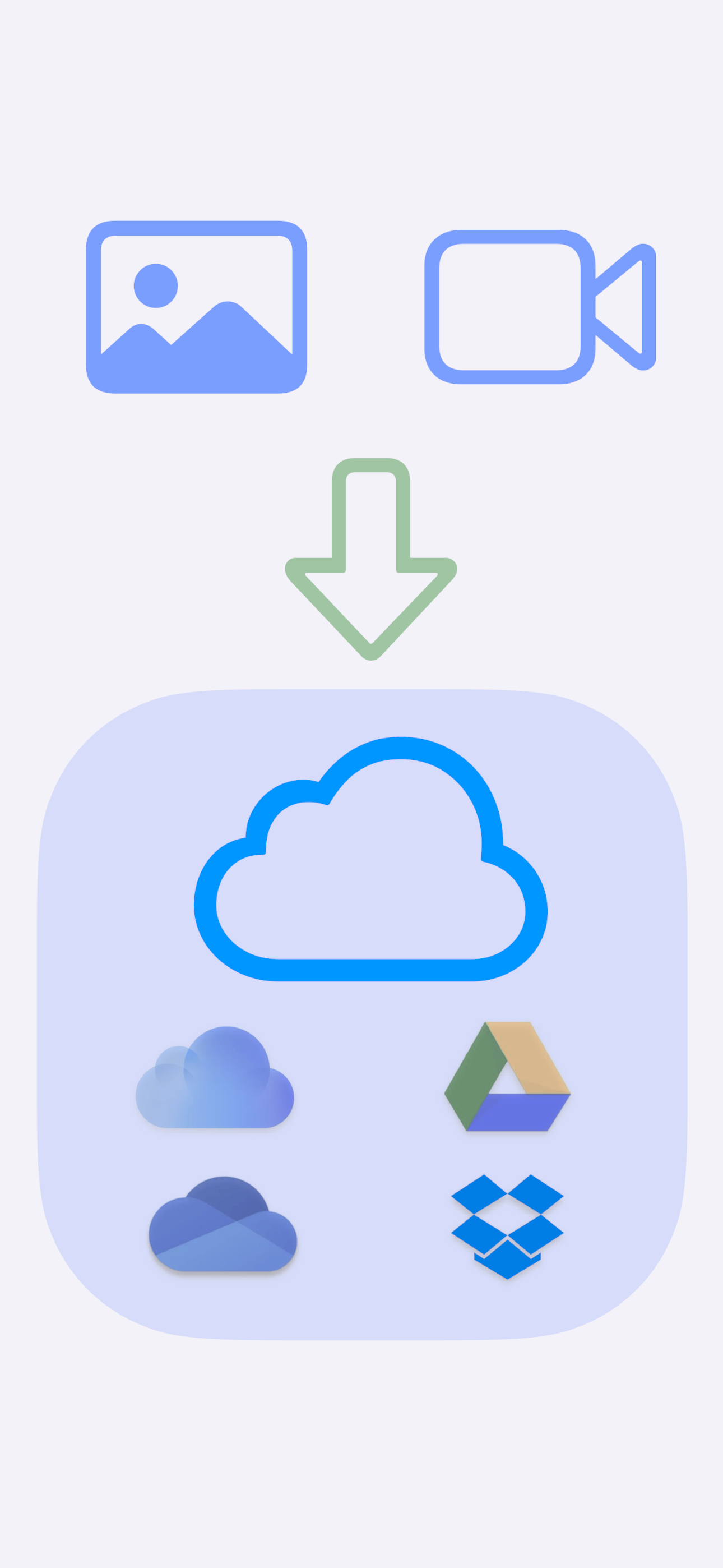
Save media files to an attached USB drive (via USB-C or Lightning adapter) or a Cloud drive like iCloud or Google Drive. You can also save your converted files to your local iOS or Mac device for later use.

Multi Export Power
Unlock batch exports with a one-time in-app purchase—no subscriptions! Process multiple photos and videos in one go. For example, if you have 200 photos that need to be resized for your website, with Multi Export enabled, you can convert and transfer them in one step!
Download Photo Export now to simplify your media conversions!
Usage Tips
An inexpensive USB Flash drive (USB thumb drive) provides a variety of options for moving your photos and videos around.
- Backup photos and videos for safe keeping
- Transfer photos and videos to another iOS device
- Transfer photos and videos to a Mac or Windows computer
- Avoid paying for cloud drive services
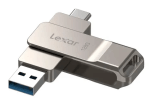
For iOS devices with a USB C Port, a USB Flash Drive with USB A and C connections works well and adds versatility. Try the following search phrase when looking to purchase one:
Type C USB Flash Drive-2 in 1 Thumb Drive with USB A and Type C
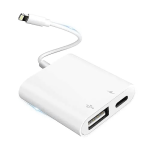
For iOS devices with a Lightning Port, a Lightning to USB adapter works well for attaching a USB Flash Drive. Be sure the adapter supports USB Flash Drives. Try the following search phrase when looking to purchase one: Portable USB Female OTG Adapter for iPhone USB Adapter with Charging Port
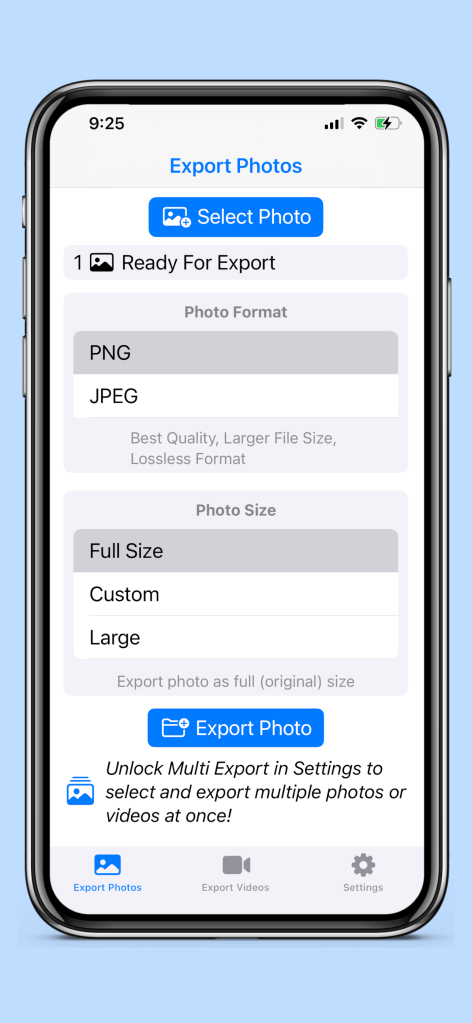
Export Photos
A photo has been selected and is ready for export as a PNG preserving its original dimensions.
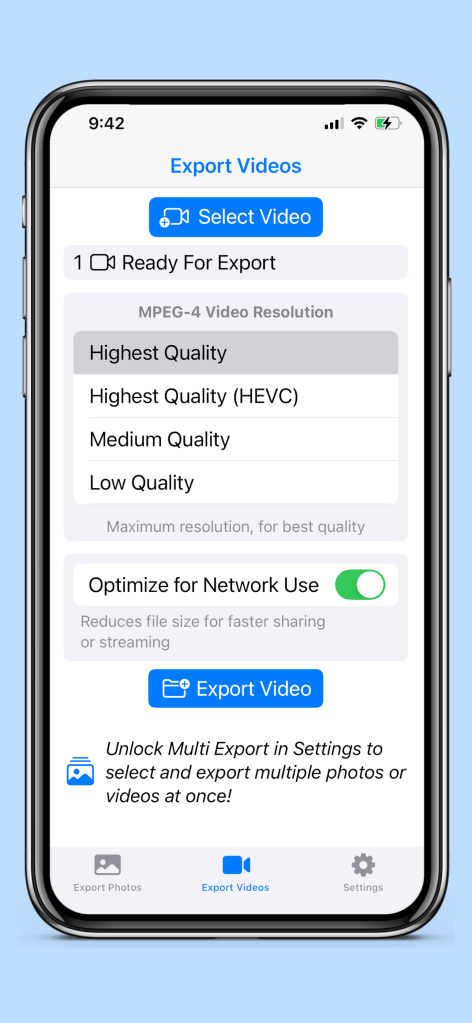
Export Videos
A video has been selected and is ready for export using the Highest Quality option for an MPEG-4 video.
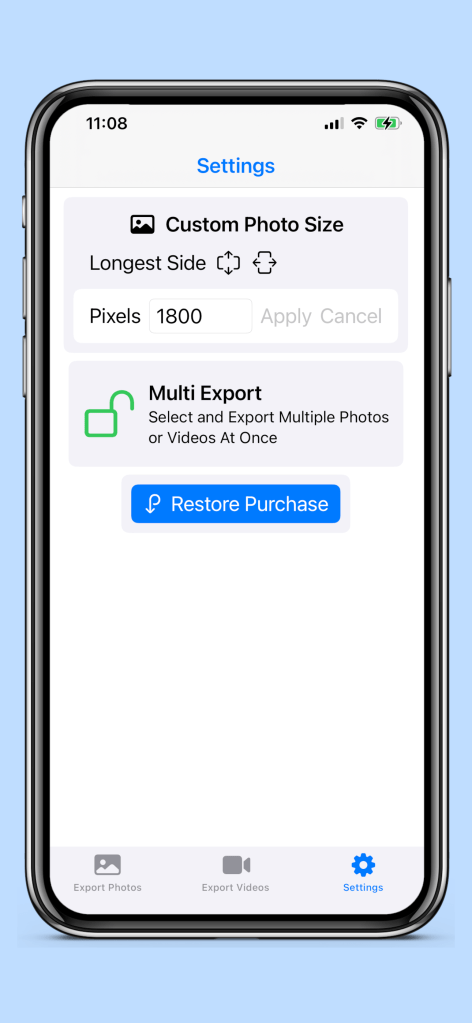
Settings
The Custom Photo Size is currently configured to limit image dimensions to 1800 pixels on their longest side.
The Multi Export capability has been enabled as an in-app purchase.
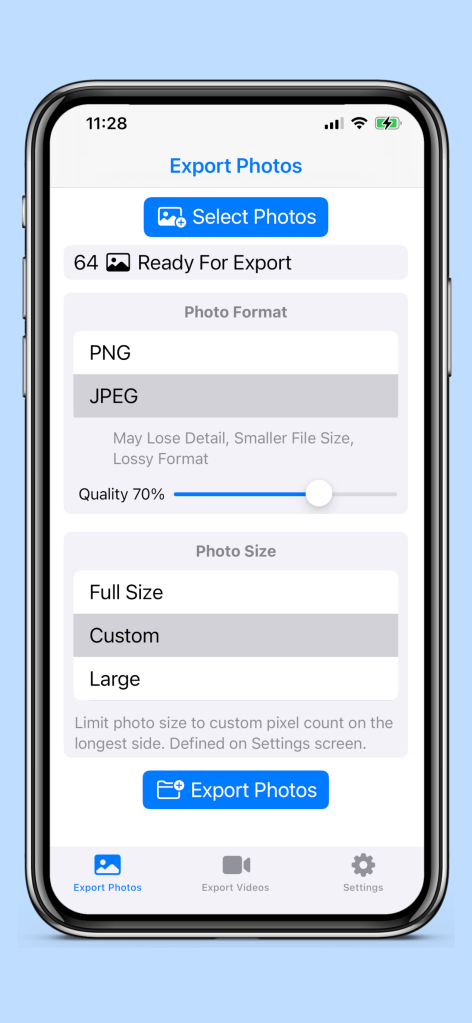
Export Photos – Multi Export Enabled
64 photos have been selected and are ready for batch export in JPEG format with a quality setting of 70%. The Custom Photo Size, configured on the Settings screen, is applied during the export process.
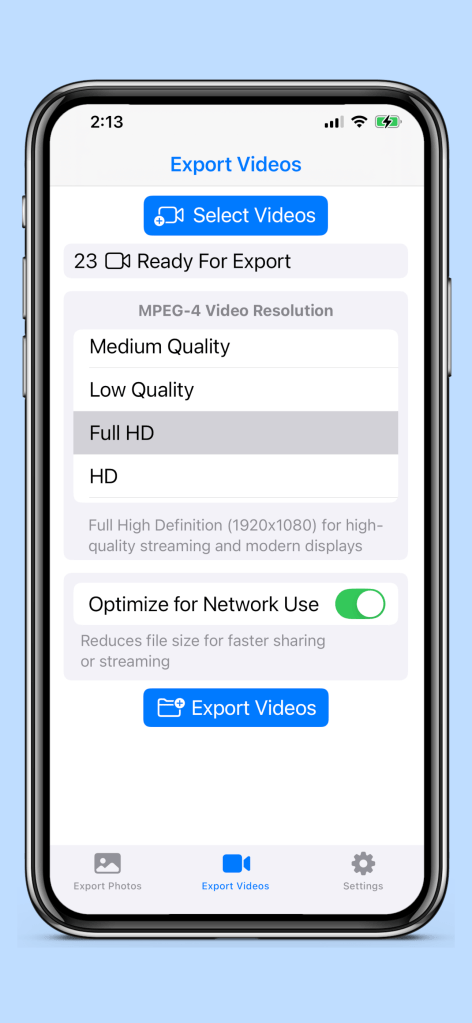
Export Videos – Multi Export Enabled
23 videos have been selected and are ready for batch export using the Full HD quality option for an MPEG-4 video (MP4).
 Scott Johnson